LinkedIn portraits
that work as
hard as you do—
in Cape Town.
Profile portraits for executives, founders and consultants. Studio session in Woodstock from R1,950, with two retouched images sized for LinkedIn. People click on a good photo. We make sure yours isn't the reason they don't.
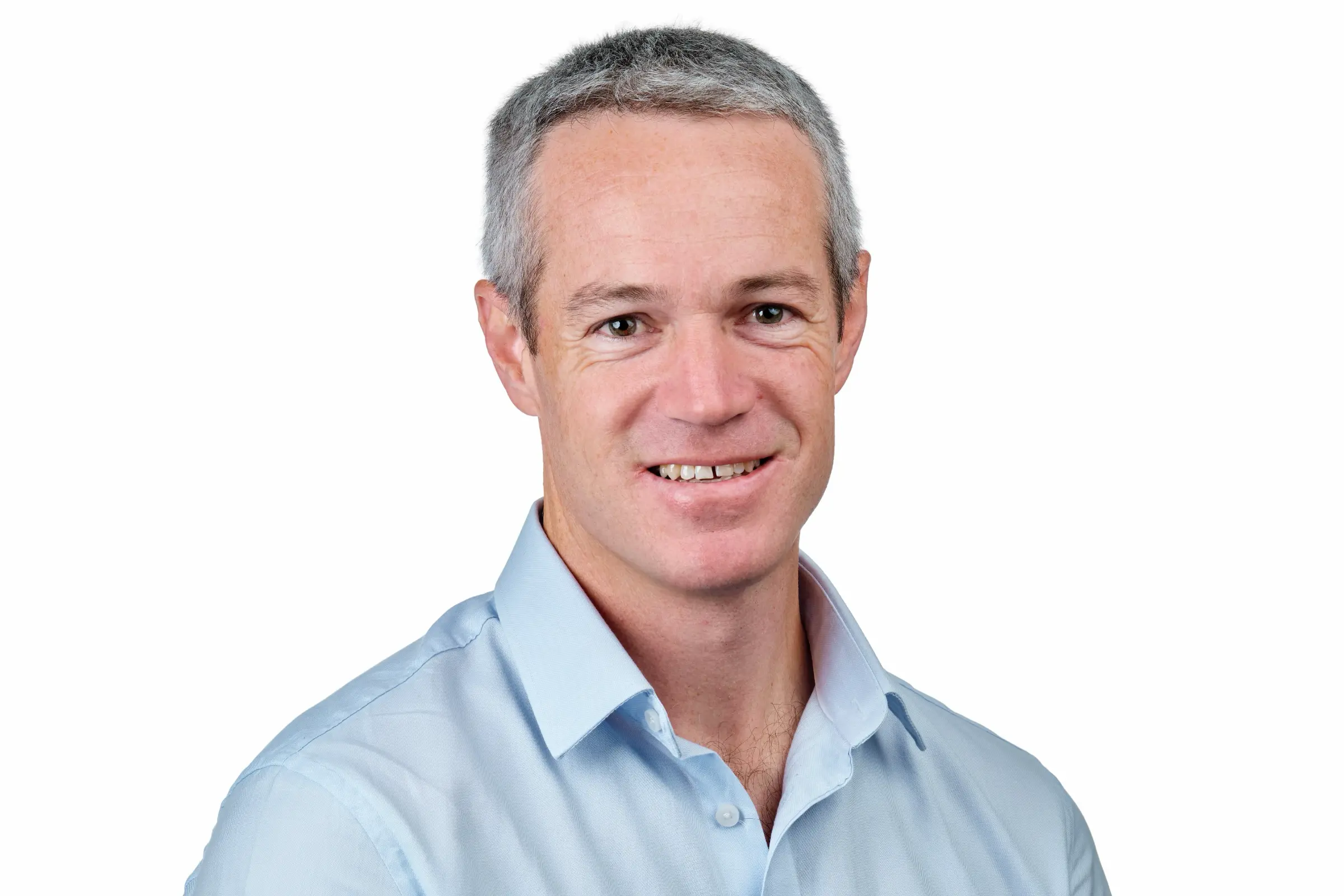
A LinkedIn photo that earns you the next conversation.
Your LinkedIn photo is the single most-viewed image of you on the internet. Recruiters glance at it. Investors glance at it. Prospects glance at it. The bar is whether you look approachable, current, and like someone who takes themselves seriously without taking themselves too seriously.
We've spent 17 years figuring out how to make corporate professionals look like the best version of themselves on a small circular avatar. The right tilt of the head. The right intensity in the eyes. A jacket that holds its shape. A background that doesn't pull attention.
Studio session in Woodstock, 30 to 60 minutes depending on the package. We tether to a large screen so you see what's working as we shoot. Two to five retouched images delivered in 48 hours, in formats already sized for LinkedIn, About pages, and email signatures.
Most clients book Signature at R2,750 because the extra retouched images come in handy across LinkedIn, the company About page, conference bios, and panel pull-quotes for the next two years.
How LinkedIn actually displays your photo
Worth understanding before the shoot, because the constraints shape what makes a strong LinkedIn portrait.
Profile photo. Circular crop, 400 x 400 pixels on most devices. Accepts up to 800 x 800 on upload. The crop is cosmetic — your full uploaded image is preserved, but only the centre circle is shown. This is why portraits framed too tight tend to lose the top of the head or chin to the crop, and portraits framed too loose make your face tiny in a sea of background.
Feed previews. When you appear in someone else's feed (a comment, a post share, a tagged article) the photo is usually shown at 48 x 48 pixels. That is small. Anything subtle in the photo disappears. Strong, simple lighting and clear contrast win at this size.
Search results. When a recruiter searches LinkedIn, your photo appears at about 100 x 100 pixels next to your name and headline. This is the second-most-viewed version of your photo after the profile page itself.
Cover photo. 1584 x 396 pixels. Often left as the LinkedIn default, which is a missed opportunity. We shoot wider frames during your session that work as covers if you want them.
Featured section. The first item under your About section. Can include a 1200 x 627 image. Useful for a portrait variant or behind-the-scenes shot from your shoot.
What recruiters and prospects look at first
Eye-tracking studies on LinkedIn profile pages consistently show the same scan pattern: profile photo first, headline second, current role third, then the About summary. The whole assessment takes around seven seconds.
In those seven seconds, the photo answers three questions: do they look like a real person, do they look like the kind of person I'd want to work with, do they look like they're in the role they say they're in. The first one is about photo quality — sharp focus, clear lighting, an actual human face you can read. The second is about expression and approachability. The third is about context — wardrobe, framing, energy.
Common red flags people don't realise they're sending. A holiday photo cropped to portrait. A wedding photo with a bit of someone else's shoulder visible. A selfie taken in a car. A heavily filtered photo that no longer looks like the person it represents. A photo that's clearly five to ten years old. None of these are about looking glamorous — they're about looking present, recent, and intentional.
The job of your LinkedIn photo is to look present, recent, and intentional.
Photo specs and exports we deliver
Every LinkedIn portrait session comes back with files sized for the most common uses:
- LinkedIn profile crop. Square at 1200 x 1200, well-centred so it survives the circular mask.
- Original full-frame. 4:5 portrait at 2000 x 2500, for About pages, board profiles, and conference programmes.
- Email signature. Square at 600 x 600, optimised for retina displays.
- Web. 1600 pixels on the long edge, RGB, sRGB profile, web-optimised.
- Print. Full resolution, CMYK on request, for board reports and printed materials.
Each image is delivered in colour and B&W. Files come in a private gallery you can download and share with anyone who needs them — your assistant, your firm's marketing person, the conference programme designer.
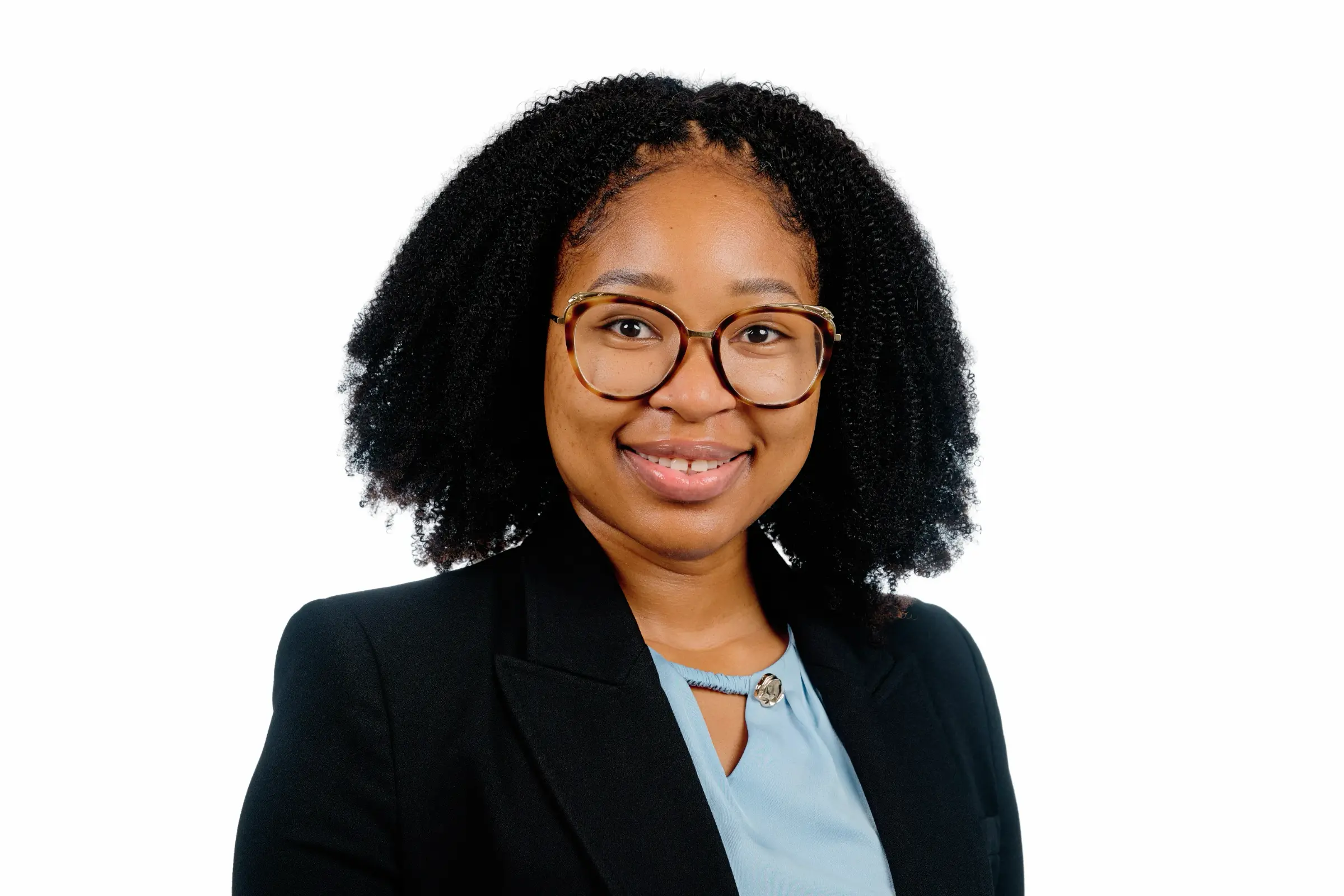
Updating LinkedIn after your shoot
Five minutes, end to end. Worth doing properly so the photo earns its keep.
- Download the square crop (1200 x 1200) we send you.
- Open LinkedIn on desktop. It works on mobile but desktop gives you a bigger preview of how it'll look.
- Click your profile photo at the top of your profile, then "Add photo" or "Edit photo". Upload the square crop.
- Adjust the circular preview if you want to fine-tune the crop. The default usually works because we frame for it.
- Add filters or zoom. Don't. The photo is already finished. Filters undo the work.
- Save.
Then a few extras:
- Cover photo (1584 x 396). If we shot a wider frame, upload it. This is the strip behind your profile photo.
- Featured section. A second portrait, or a behind-the-scenes shot, makes the section feel intentional rather than empty.
- Email signature. Replace the old photo. Outlook, Gmail, Apple Mail all accept the 600 x 600 file directly.
- Conference and speaker bios. Same photo. Send the full-frame portrait when asked for a "high-resolution headshot".
A coordinated photo across all of these — same shoot, same look, slightly different crops — is what makes someone who looks at your LinkedIn, then your firm's About page, then your conference bio, register that it's the same person, presented intentionally.
What to wear, specifically for LinkedIn
The general wardrobe rules for corporate headshots apply, but a LinkedIn photo has one extra constraint: it has to read at 48 x 48 pixels in someone's feed.
Solid colours over patterns. Patterns get muddy at small sizes. A light pinstripe in person becomes a vibrating mess in a feed thumbnail.
Layers that hold their shape. A jacket adds structure. An open jacket over a t-shirt or open-collar shirt is an option. Pure shirt-only works but tends to read as "headshot from accounts" unless your industry is genuinely informal.
Skin-flattering colours. Navy, mid-blue, and charcoal sit well on most South African skin tones. Black is harder to light without losing detail. Mid-grey can look washed out.
Avoid logos. Even a small logo on a t-shirt becomes the focal point of a tiny avatar.
Glasses. If you wear them every day, keep them on. We can shoot a few without if you want the option. Anti-reflective coating helps a lot.
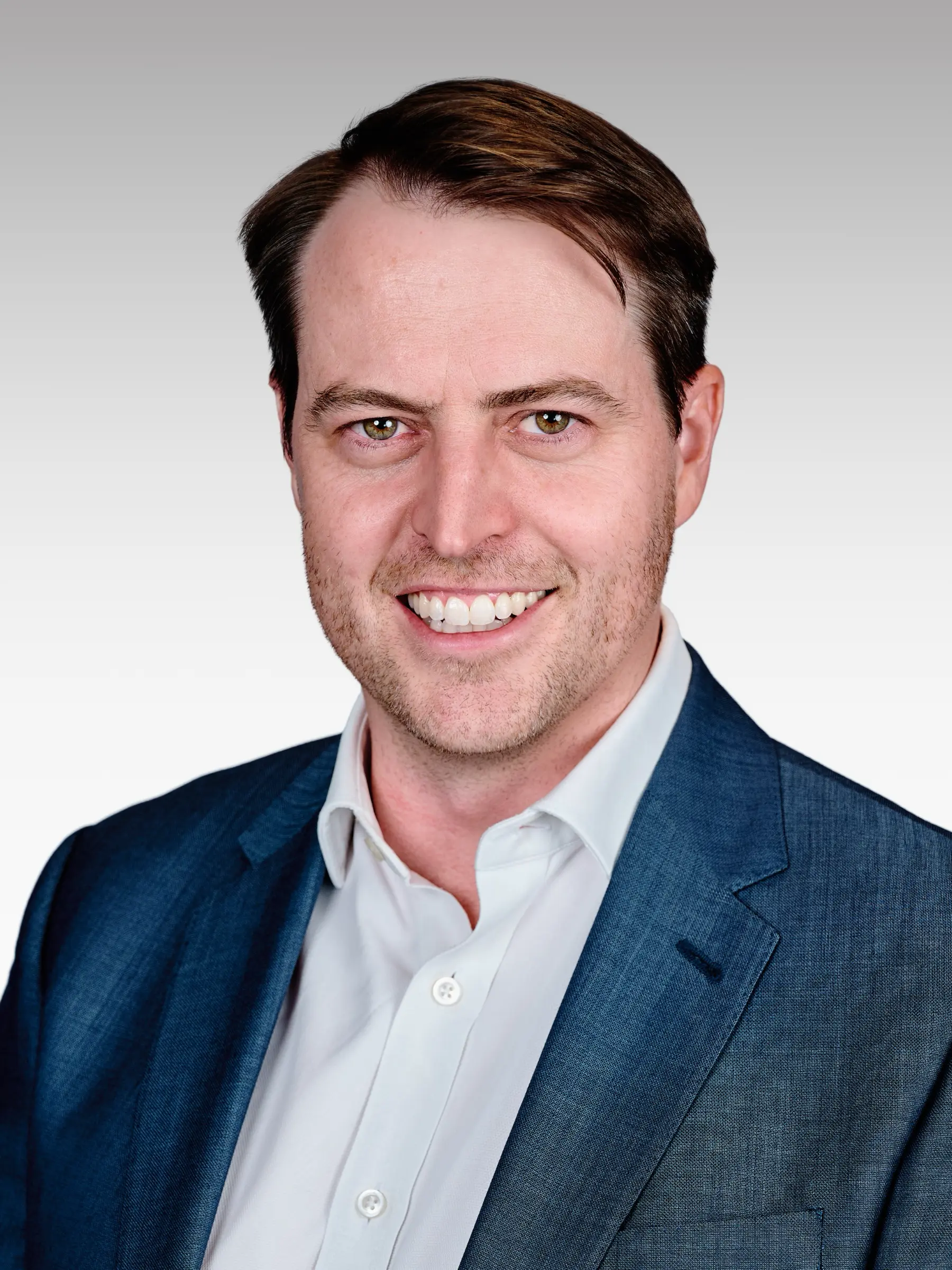
Smile, no smile, or both
The honest answer is both, but for different uses.
A warm, half-smile (mouth closed, slight crinkle at the eyes) is the all-purpose LinkedIn photo. Approachable without being grinning. Works for almost everyone in almost every industry.
A direct, more serious expression is for contexts where authority matters more than warmth — speaker bios at industry events, opinion pieces in trade press, About-the-firm photos for legal and financial services where the brief is "credible".
We shoot the range during your session and you decide which one is your main. Most clients keep the warm version as the LinkedIn profile and use the serious one for everything else. Some flip it — depends on what your network needs from you.
Transparent pricing, no surprises.
Essential
One person, 30 minutes, two retouched images.
- ✓ 30-min session in studio
- ✓ 2 fully retouched images
- ✓ Web + print sizes, colour & B&W
- ✓ 48-hour turnaround
- ✓ Wardrobe guide before the shoot
Signature
Our most-booked session for execs and founders.
- ✓ 60-min session in studio
- ✓ 5 fully retouched images
- ✓ Web + print sizes, colour & B&W
- ✓ Pre-shoot prep call
- ✓ 48-hour turnaround
- ✓ Optional MUA referral
Team
From three people. In studio or on-site at your office.
- ✓ R750 per head in studio · 2 retouched images each
- ✓ On-site: R4,500 setup + R750 per head, anywhere in CT
- ✓ Volume discounts for larger groups
- ✓ Consistent lighting & framing across everyone
- ✓ Bulk gallery delivery
How a shoot actually goes.
Brief & quote
Tell us about your team, your timeline, and where you'd like to shoot. We'll send a quote within a working day.
Pre-shoot prep
A short call before your shoot — nothing surprising on the day. We'll talk wardrobe, expressions, and how you want to be seen.
Tethered shoot
Every frame appears on a large screen as we shoot. You see what's working, we coach in real time, and we choose your selects together.
Retouch & deliver
Skin, stray hairs, distractions — handled with restraint. Final files in your private gallery within 48 hours, in colour and B&W, web and print.
"Made everyone feel comfortable and brought out the best in each of us. The polished photos perfectly captured our team's personality. Quick turnaround, quality exceeded our expectations."
"Nailed the brief completely, and we had so much fun. His passion for photography shows in the feeling that comes through in the pictures. Beautiful human art. Professional, fun and spot on."
"A remarkable ability to capture both professional image and personal essence. Creative eye, technical skill, and friendly demeanour. The resulting photos perfectly represent me and my brand."
Common questions.
Essential is R1,950 — 30 minutes in studio, two retouched images, sized for LinkedIn. Signature is R2,750 — 60 minutes, five retouched images, plus a pre-shoot prep call. Both include square crops at 1200 x 1200 for LinkedIn.
Tell us about
your shoot.
We'll come back within one working day with a quote and a couple of available times.
Let's make
something good.
Tell us a little about your shoot. We'll come back within one working day with a quote and a couple of available times.